
'%20stroke-width='30'/%3e%3crect%20x='215'%20y='195'%20width='66'%20height='66'%20rx='20'%20fill='%23D4A43A'/%3e%3c/svg%3e)
Motion components
Animated from a host-supplied frame counter (see the anim module).
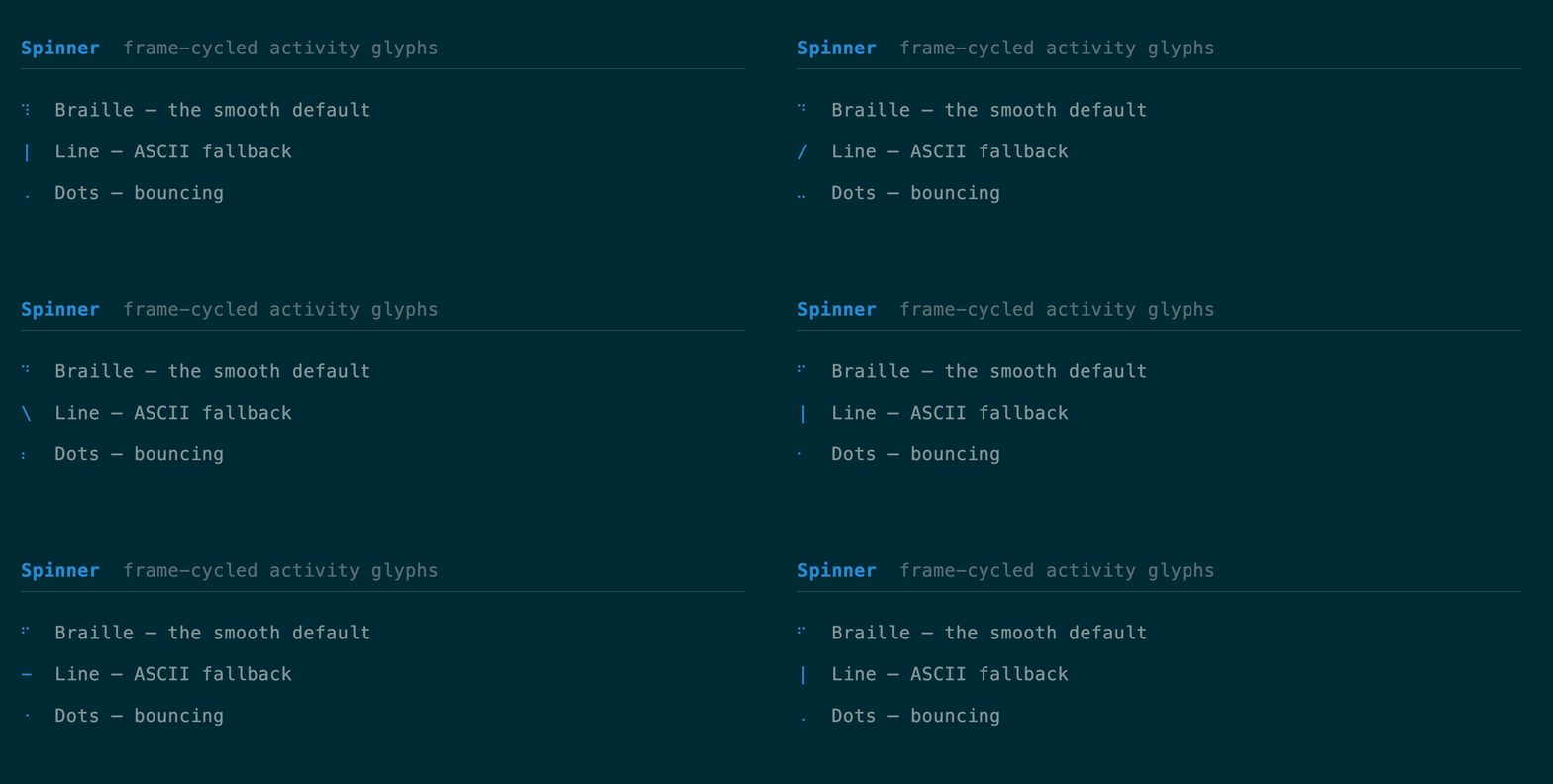
Spinner
A frame-cycled activity glyph — Braille (smooth default), Line (ASCII
fallback), or Dots. API
use tuika::prelude::*;
view! {
    row(gap = 1) {
        node(Spinner::new(frame).style(SpinnerStyle::Braille))
        text("working…")
    }
}
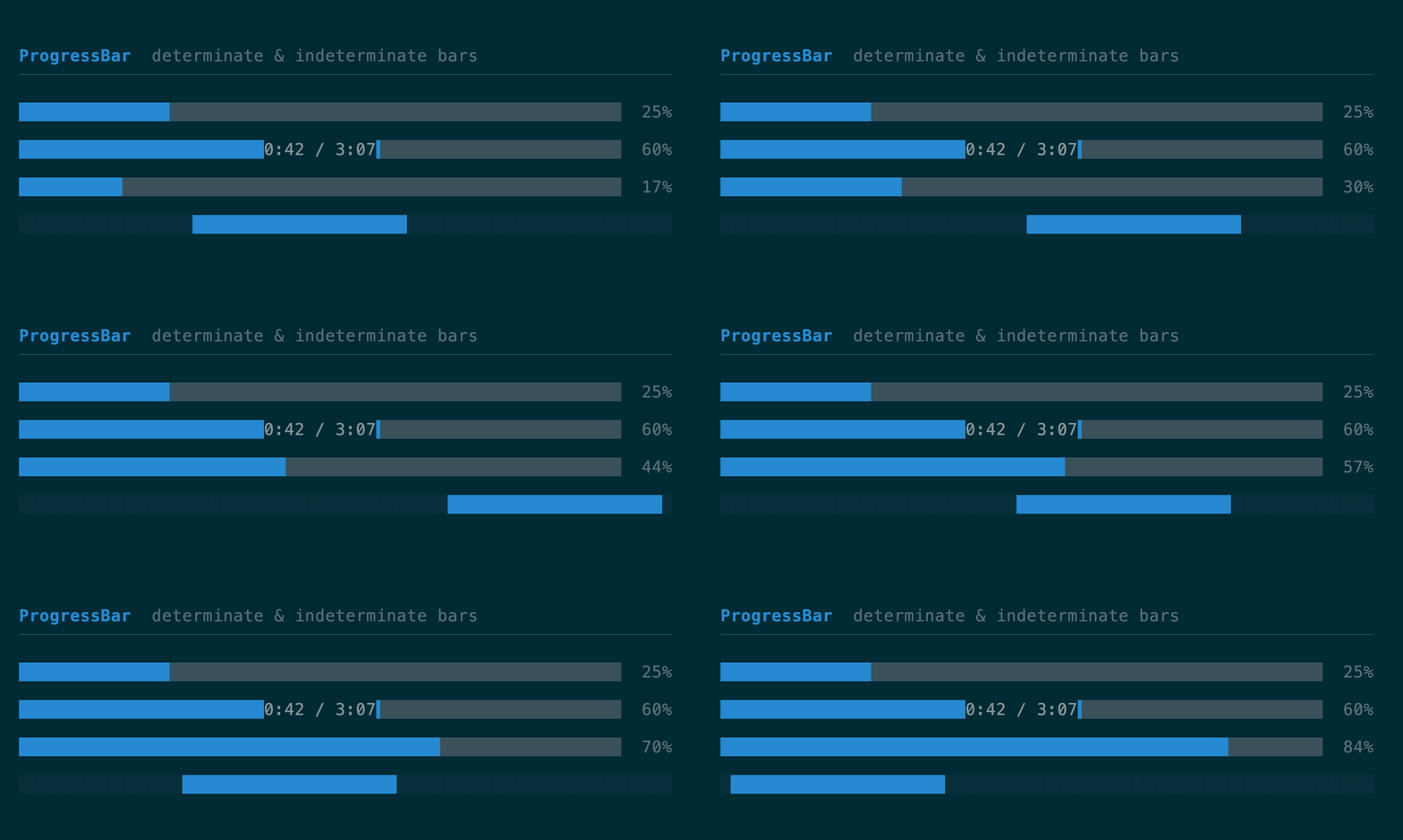
ProgressBar
A single-row bar: determinate (sub-cell eighth-block fill, optional NN%) or an
indeterminate marquee driven by the frame counter. .label("…") overlays a
centered caption and clips it on narrow terminals; .colors(filled, track) and
.label_style(Style) override the theme defaults for a host whose bar has its
own palette.
API
use tuika::prelude::*;
view! {
    col(gap = 1) {
        node(
            ProgressBar::determinate(0.6)
                .label("0:42/3:07")
                .label_style(Style::default().fg(Color::Cyan).add_modifier(Modifier::ITALIC))
                .percent(true),
        )
        node(ProgressBar::indeterminate(frame))
    }
}
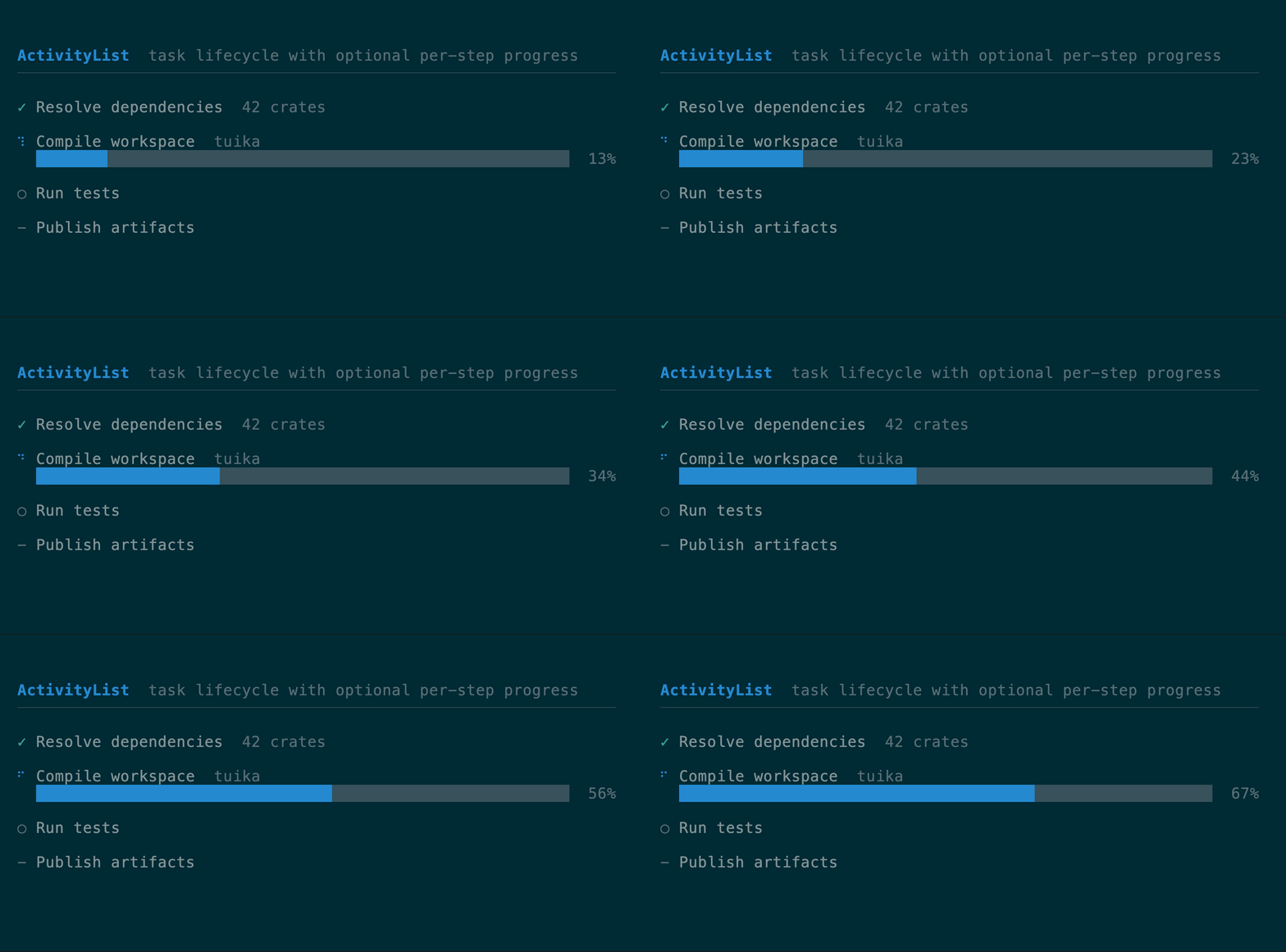
ActivityList
A vertical lifecycle view for multi-step work: queued, running, succeeded,
failed, or skipped. An item may compose a determinate progress bar beneath its
status row. Use ActivityList to answer which step is in which state; use a
standalone ProgressBar to answer how much of one measurable operation is
complete. The host still owns the task model and scheduling.
API
use tuika::prelude::*;
let tasks = vec![
    ActivityItem::new("Resolve dependencies", ActivityStatus::Succeeded),
    ActivityItem::new("Compile", ActivityStatus::Running).progress(0.42),
    ActivityItem::new("Test", ActivityStatus::Queued),
];
view! { node(ActivityList::new(tasks).frame(frame).gap(1)) }
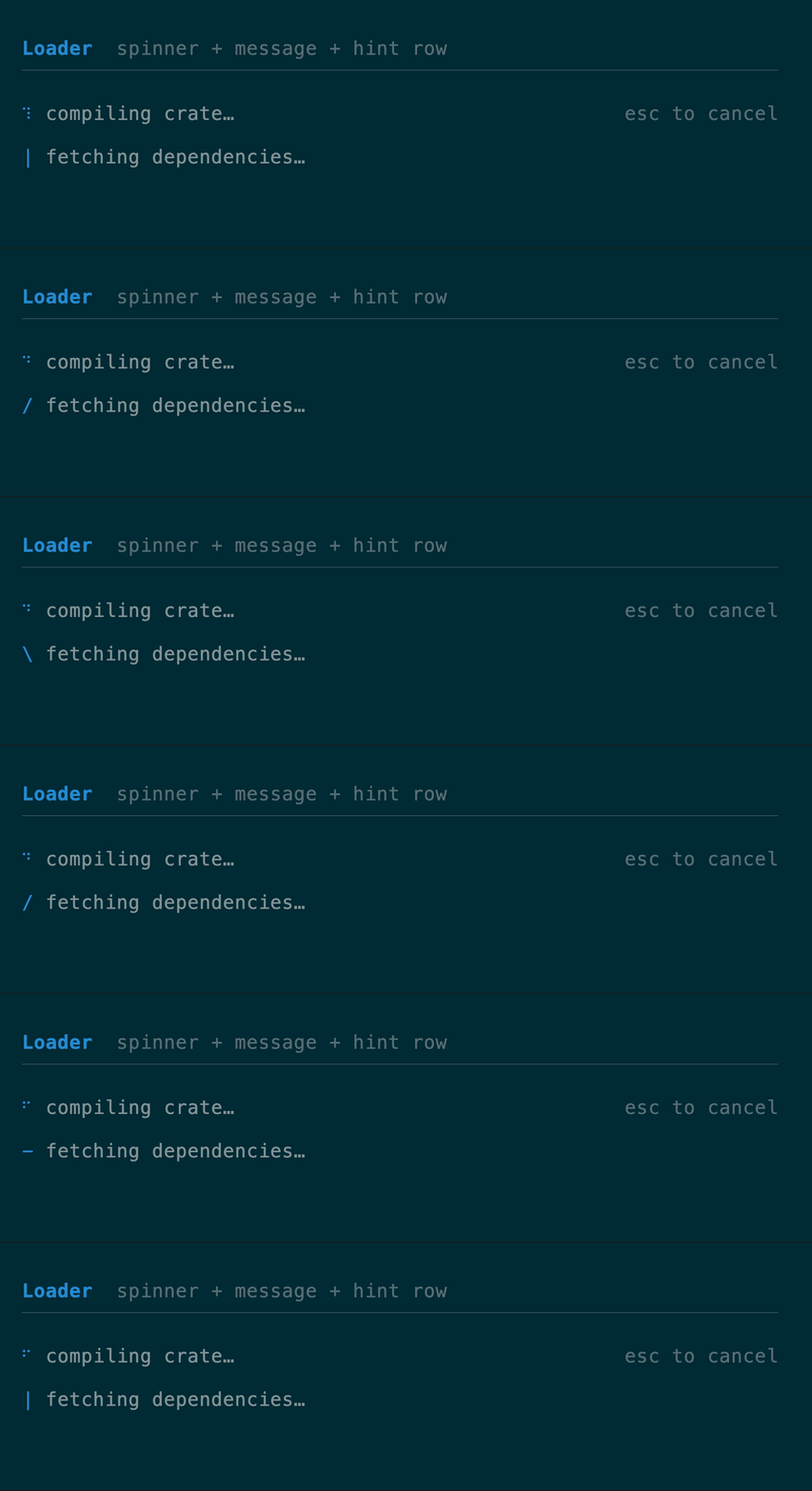
Loader
A spinner, a message, and an optional trailing hint on one row. API
use tuika::prelude::*;
view! {
    node(Loader::new(frame, "compiling crate…").hint("esc to cancel"))
}
Timeline
A scheduler-free keyframe track: values eased over frame offsets, with
Once/Loop/PingPong repeat, sampled purely from the host frame counter — the
minimal analog of OpenTUI’s Timeline. Compose several (one per animated property)
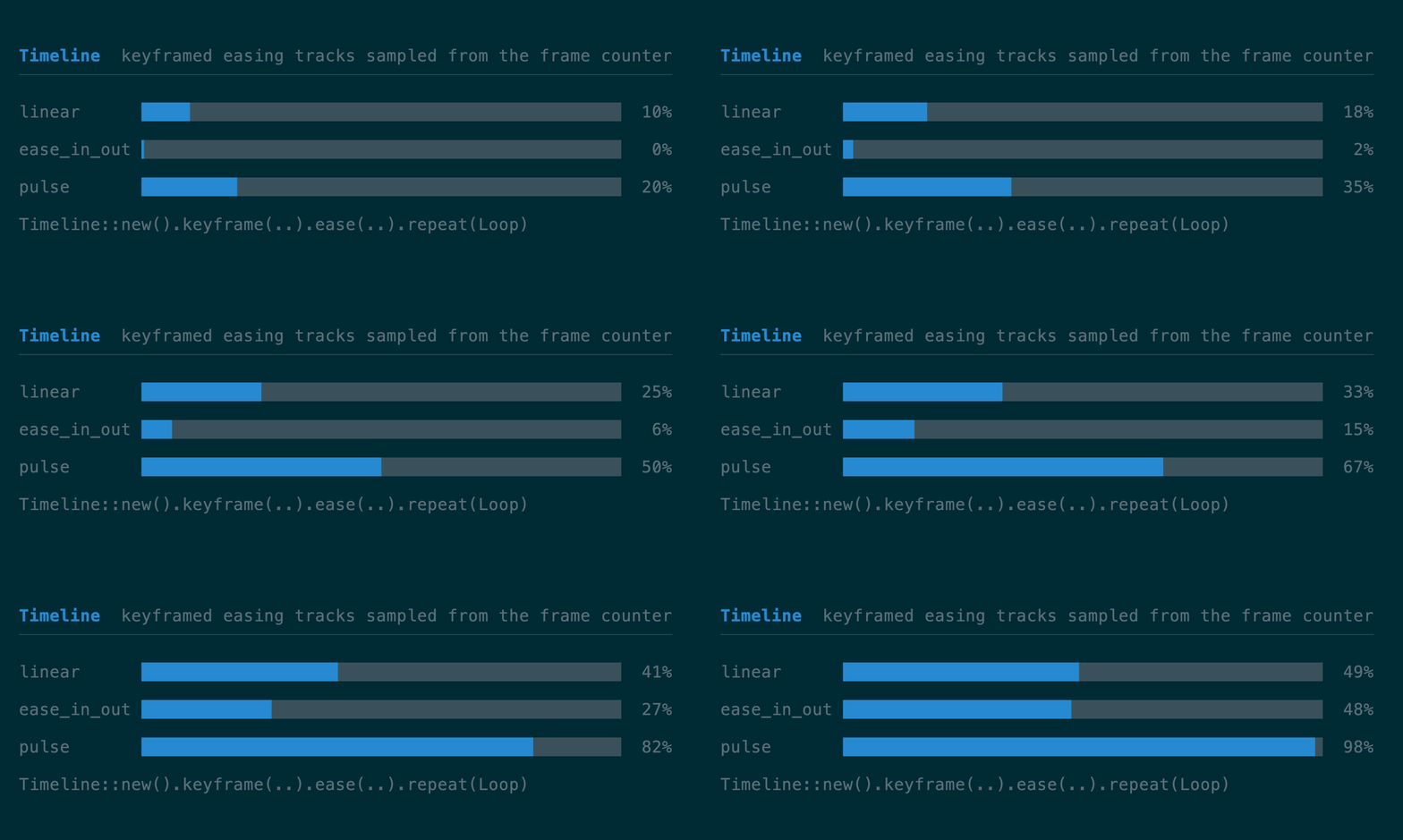
rather than reconciling a tween tree. The demo drives three ProgressBars from
three timelines.
API
use tuika::anim::ease_out;
use tuika::prelude::*;
let slide = Timeline::new().keyframe(0, 0.0).ease(30, 1.0, ease_out);
let pulse = Timeline::new()
    .keyframe(0, 0.0).keyframe(10, 1.0).keyframe(20, 0.0)
    .repeat(Repeat::Loop);
let x = slide.sample(frame); // 0.0 → 1.0 over 30 frames, then holds